
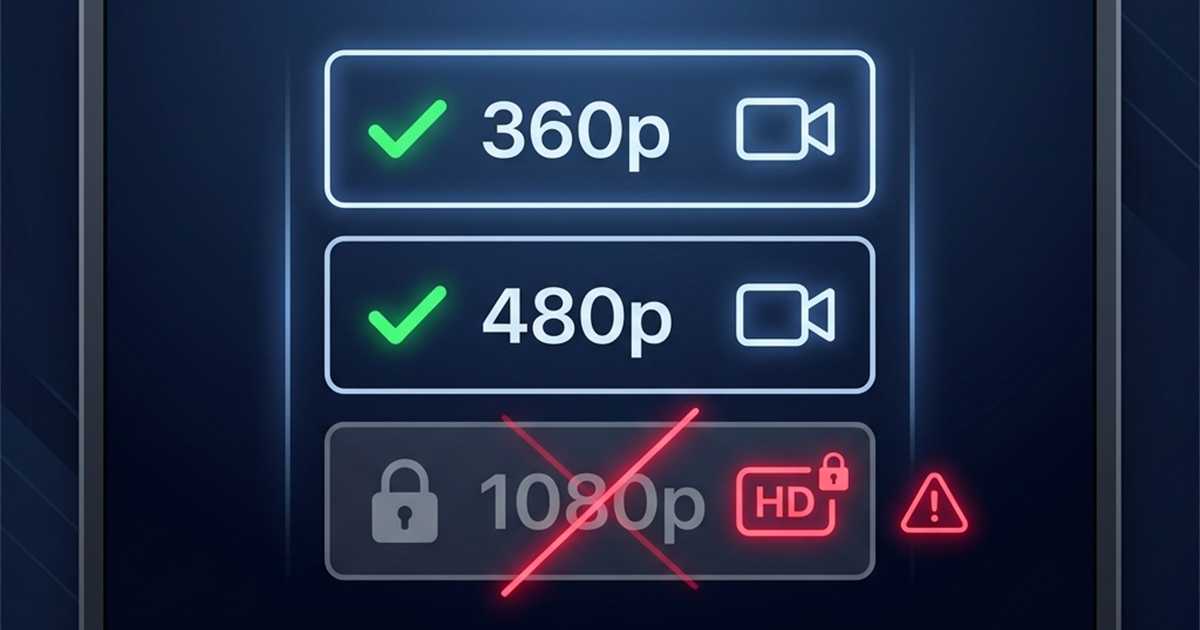
When downloading a video from Facebook, you expect to get the cleanest, sharpest file possible. Yet, it is common to paste a link into an online downloader and discover that only a low-resolution Standard Definition (SD) option is available.
This guide explains the technical reasons behind the lack of an HD or 1080p option. We will break down how Facebook compresses uploaded media, the transcode queues that delay high-definition files, and how your phone's upload settings could be limiting your video quality.
3 Main Reasons There Is No HD Option Available
An online downloader cannot create image quality out of thin air. It can only serve the file resolutions that are actively stored on Facebook's servers. Here are the three reasons why a video may only download in SD:
1. The Original Upload Was Low Quality
A video cannot be downloaded in HD if the creator did not capture or upload it in HD. If a video was shot on an older phone, recorded in low-light, or exported in standard definition (360p or 480p), Facebook will only store an SD file. Downloader tools do not upscale or artificially enhance videos; they only extract the source file.
2. Facebook's Rendering and Processing Queue
When a video is first posted, Facebook processes the standard-definition versions first because they require less computing power and allow the video to go live immediately.
The high-definition (HD, 720p, 1080p, or 4K) versions are queued and rendered in the background. For longer videos or during high server traffic, this rendering process can take anywhere from 15 minutes to several hours. During this processing window, the HD download link will be missing.
3. Mobile App Upload Compression
By default, the Facebook app for iOS and Android compresses video uploads to save user data and server bandwidth. If a creator uploads a 1080p video but has "Upload in HD" disabled in their Facebook app settings, Facebook will compress the video down to 480p before it even reaches their servers.
How to Get the Highest Quality Download
If you want to ensure you get an HD file, try these quick steps:
- Wait Before downloading: If the video was published recently, wait 30 minutes to an hour for Facebook to finish rendering the HD quality streams.
- Verify Quality on Facebook: Play the video on Facebook. Tap the gear (settings) icon in the video player and see if 720p or 1080p is selectable. If you cannot play it in HD on Facebook, you cannot download it in HD.
- Use the Right Downloader: Ensure you use a dedicated FB video downloader which parses all available high-quality CDN URLs.
For general instructions on high-definition downloads, check out our HD downloading guide.
Frequently Asked Questions
Can a downloader convert an SD video to HD?
No. Standard definition videos lack the pixel data required for HD. Upscaling an SD video would only stretch the pixels, making the video look blurry rather than sharp.
Why does a video play in HD on my feed but download in SD?
Facebook sometimes restricts high-quality stream links for specific copyrighted content, or uses dynamic streaming protocols (like DASH) that separate audio and video tracks for higher resolutions.
How can I make my own Facebook uploads download in HD?
Go to your Facebook mobile app settings under Media, and check the option to Upload videos in HD to prevent Facebook from compressing your uploads to SD.