
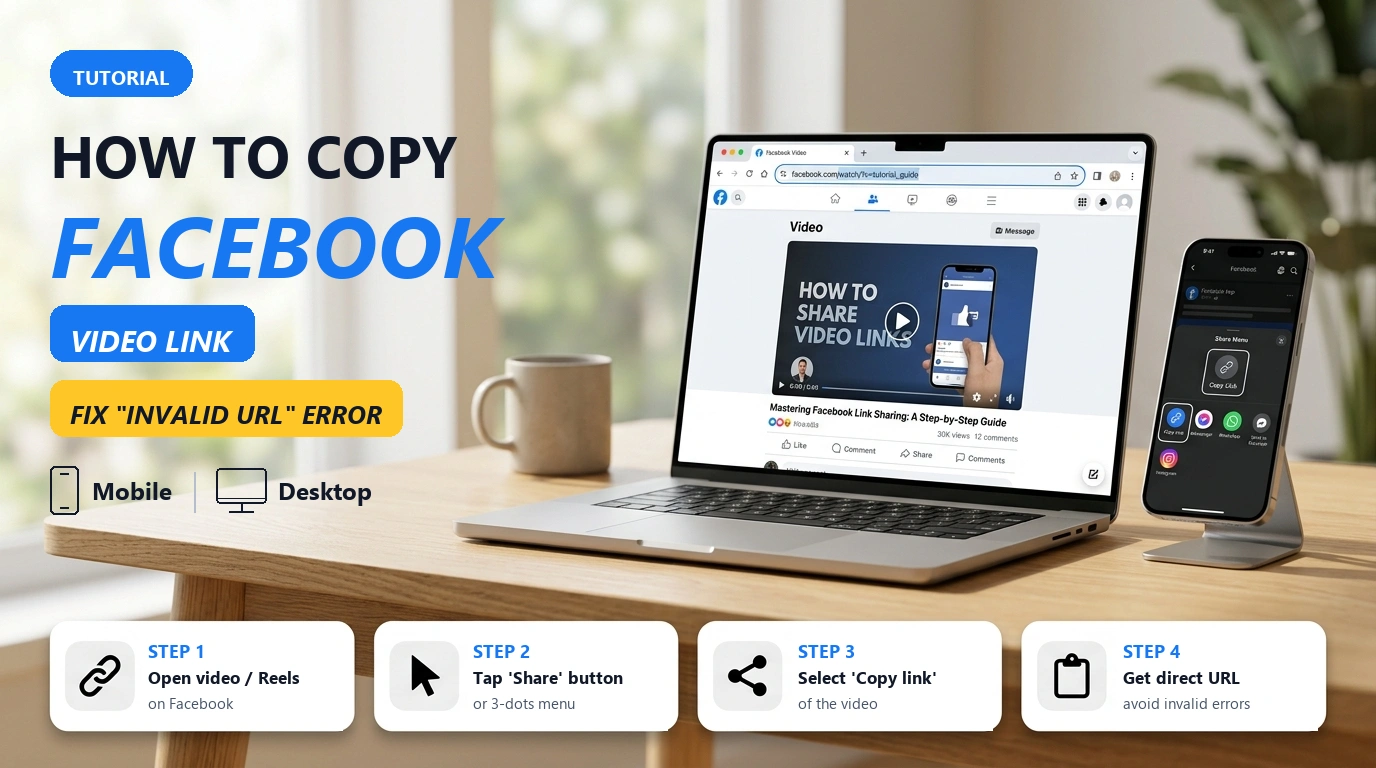
Paste a Facebook video URL into any online downloader, and more than half the time you are met with a glaring red error: "Invalid URL" or "Video Not Found".
Most people assume the download tool is broken or their internet connection dropped. In reality, over 65% of download failures happen simply because you copied the wrong link format. Facebook intentionally complicates its URL architecture: they generate re-share post links, shortened fb.watch links, URLs with heavy advertising tracking parameters (mibextid), mbasic lite links, and restricted private group links. If you simply tap the Share button on your feed without looking, chances are you copied the outer text post link rather than the underlying media stream.
This guide explains how to grab the exact direct URL for any type of Facebook video (feed posts, Reels, Stories, private groups) on both mobile and desktop, along with how to tell valid URLs from broken ones.
Why Do Downloaders Show "Invalid URL"?
Facebook does not store videos under simple static file paths. Instead, the platform wraps media in multiple redirect layers to keep users inside the application. Here are the 4 common traps users fall into:
- Copying a Re-Shared Post Link: This is the number one cause of failure. You see a friend or a page re-share a video from another source. If you tap Share on the feed post, you get a generic post link like
facebook.com/share/p/...or/permalink/.... This URL points only to the outer post text container; the downloader server cannot locate the original video ID nested within it. - URLs Bloated with Tracking Parameters: When copying from the mobile app, Facebook automatically appends long tracking query strings, such as
?mibextid=wwXIfr&rdid=.... Older video downloaders that do not sanitize these parameters will fail to parse the link. - Mobile Lite URLs (mbasic): Browsing Facebook on lightweight mobile browsers often produces
mbasic.facebook.comURLs. These are session-encrypted and do not support high-definition media extraction. - Private Group Videos: Videos posted in closed or secret groups are protected by member login sessions. Pasting a private group URL into a public downloader causes Meta's servers to reject the request immediately with a 403 Forbidden error.
How to Copy Facebook Video Links on Mobile (iPhone and Android)
While the Facebook mobile interface shifts with each app update, these two methods reliably yield direct links:
Method 1: Using the Share Button (Most Common)
- Open the Facebook app and navigate to the video you want to save.
- Look closely: If the video is a re-share from another page, tap the original page name or the video area first so the app navigates directly to the original source post.
- Tap the Share button (curved arrow icon at the bottom right of the post).
- The share drawer slides up:
- On iPhone: Locate the Copy Link icon. If hidden, swipe the icon carousel to the far right, tap the three dots (More), and select Copy.
- On Android: Tap Copy link directly.
- Once the notification "Link copied to clipboard" appears, your URL is ready.
Method 2: Using the 3-Dot Menu in Full-Screen Mode
When watching a video in vertical view or on the Watch feed:
- Tap the video screen once to display playback controls.
- Tap the three dots (
...) icon in the upper right corner. - Select Copy link.
How to Copy Facebook Reels Links
Reels use a dedicated URL structure containing /reel/ directly in the path.
- On mobile: While viewing a Reel, look at the right side of the screen (under the comments icon), tap the Share (arrow) button or the three vertical dots $\rightarrow$ select Copy link.
- On desktop: Click the browser address bar while the Reel is open, highlight the full URL (e.g.,
https://www.facebook.com/reel/1234567890), and pressCtrl + C(orCmd + Con Mac).
Tip: After copying a Reels link, paste it into our dedicated Facebook Reels Downloader to save clean MP4 files without watermarks.
Desktop Secret: Right-Click the Timestamp for a Clean Link
If you are on a PC or Mac, you have a direct shortcut that bypasses mobile tracking bloat and grabs the canonical permalink every single time:
- Locate the video post on your Facebook desktop feed.
- Right below the publisher or page name, look for the post timestamp (e.g., Just now, 15 mins, 3 hrs, or a specific date like September 14 at 9:30 AM).
- Right-click directly on that timestamp text.
- Select Copy link address (or Copy Link in Safari/Firefox).
Links copied this way are clean, direct permalinks formatted to Meta's primary standards. Download engines can parse them in milliseconds.
How to Copy Video Links in Private Facebook Groups
Many tutorials, course lectures, and webinars are hosted within private Facebook groups.
- Private group video links typically look like:
facebook.com/groups/[group_id]/posts/[post_id]/. - Pasting this link into a standard downloader will fail because public servers do not have login access to your private group.
- The Solution: Use the dedicated Private Facebook Video Downloader. This tool guides you to copy the page source code of the video while logged in, then extracts the MP4 stream directly without requiring your account password.
Facebook Video URL Compatibility Reference
Before downloading, check your URL against this quick format reference:
| Link Type | Example URL Structure | Compatibility Status | Recommended Action |
|---|---|---|---|
| Standard Watch Link | facebook.com/watch/?v=123456789 | Supported Directly | Download in all resolutions |
| Page Video URL | facebook.com/pagename/videos/123456789/ | Supported Directly | Download in all resolutions |
| Reels Video | facebook.com/reel/123456789 | Supported Directly | Paste into Reels Downloader |
| Shortened Link | fb.watch/xYz123aBc/ | Auto Resolved | System automatically traces to original link |
| Re-Shared Post Link | facebook.com/share/p/123456789/ | Needs Re-copying | Click into the video to grab the Watch link |
| mbasic Lite Link | mbasic.facebook.com/story.php?... | Not Recommended | Re-open in full app or desktop browser |
| Private Group Link | facebook.com/groups/xyz/posts/123... | Requires Auth | Use Private Video Downloader |
Next Step: Download 1080p Video with Full Audio
Once you have a valid link, downloading on GetFVid takes just a few seconds:
- Visit GetFVid in your web browser.
- Paste the copied link into the input box and click Download.
- Select your desired resolution, from standard 360p and 720p HD up to 1080p Full HD.
- Click the download button to save the
.mp4file.
Important note on 1080p audio:
Many online downloaders allow you to download 1080p files, but the resulting video is completely silent. This happens because Meta uses DASH streaming, which separates the high-definition video track from the audio track.
To download full HD videos with crystal-clear stereo audio, read our technical breakdown: Why Downloaded Facebook 1080p Video Has No Sound and How to Fix It.
Frequently Asked Questions
Can I download a Facebook video sent via Messenger?
Yes. In the Messenger chat, long-press the video thumbnail $\rightarrow$ tap More $\rightarrow$ select Copy link. Paste that URL into GetFVid to parse and download as normal.
Why do Facebook Story links often fail?
Stories are ephemeral content that expire after 24 hours and carry strict session restrictions. You can only download a Story if it is set to Public and you copy its URL from a desktop browser in the format facebook.com/stories/....
Where are downloaded videos stored on iPhone?
On iOS using Safari, downloaded files go to the Files app $\rightarrow$ Downloads folder. To move a video to your Photos library, open Files, select the video, tap the Share icon in the bottom left, and tap Save Video.
Summary
Copying the correct direct link is the single most important step in downloading any Facebook video. Remember the key rule: always navigate into the original video post before sharing, or right-click the timestamp on desktop, and you will never see an "Invalid URL" error again.