
You have just found a high-quality music performance, movie trailer, or crucial tutorial on Facebook. You choose to download it in the highest available resolution — 1080p Full HD or 2K — expecting pristine visuals and crisp audio. But when you open the downloaded .mp4 file on your phone or PC, you encounter an unpleasant surprise: the video picture is razor-sharp, but the entire clip is completely silent!
Strangely, if you switch back and download the lower 720p or 360p version, the sound plays normally. Did your phone's speaker malfunction? Did the file get corrupted during the download?
The answer is: Your device is completely fine. The missing audio issue in 1080p Facebook video downloads stems from Meta's complex content delivery architecture. In this deep-dive guide, the engineering team at GetFVid explains the technical mechanics behind this problem and shows you how to save Facebook 1080p videos with full, synchronized stereo audio.
Technical Root Cause: What Is Meta's DASH Streaming Architecture?
To understand why 1080p downloads lose audio, we need to examine how Facebook distributes billions of video streams across the globe every day.
Historically, Internet videos were packaged into single, unified media containers holding both the visual track and the audio track. While simple, this architecture had a critical drawback: whenever a user's network connection fluctuated, the entire playback would stutter, freeze, or pause for re-buffering.
To solve this, leading video streaming platforms like Facebook and YouTube adopted an adaptive streaming protocol known as DASH (Dynamic Adaptive Streaming over HTTP).
Facebook's DASH Delivery Architecture for 1080p / 4K Media:

[ Meta CDN Server ]
       ├── 1080p Video Stream (High-bitrate visuals ONLY, zero sound)
       └── AAC Audio Stream   (High-fidelity stereo sound ONLY)
             ↓
[ Facebook Media Player (App / Web) ]
       → Downloads both tracks simultaneously and multiplexes (Muxes) in RAM
How Facebook Allocates Media Streams by Resolution:
-
Standard Resolutions (360p, 480p, 720p SD):
Facebook generates legacy "muxed" streams where audio and video tracks are pre-combined inside a single container. When you download these lower resolutions, the file naturally contains both picture and sound. -
High Resolutions (1080p Full HD, 2K, 4K):
To minimize CDN bandwidth costs and support seamless bitrate switching on mobile devices, Facebook completely splits the high-definition video track from the audio track on its CDN servers:- File 1: Contains the high-bitrate visual stream only (Video-only, encoded in H.264 or AV1).
- File 2: Contains the independent audio stream only (Audio-only, encoded in AAC at 128kbps or 256kbps).
When you watch a video natively inside the Facebook app or desktop browser, Facebook's proprietary media player downloads both files in parallel into your device's memory (RAM) and synchronizes them in real-time. This process happens in the background, giving the illusion of a single video file.
Why 90% of Online Facebook Downloaders Produce Silent 1080p Files
The vast majority of free online Facebook downloaders are built as simple URL scrapers:
- The scraper inspects the Facebook page HTML to locate the CDN stream URLs.
- When a user clicks "Download 1080p", the website simply redirects your browser to fetch the raw video CDN URL.
- Because Facebook's raw 1080p stream contains no embedded audio, you end up downloading a silent
.mp4file.
What Is Required to Add Audio to 1080p Downloads?
To provide a complete 1080p MP4 file with full sound, the downloading platform must execute a server-side process called Multiplexing (Muxing):
- Download the raw 1080p video stream from Meta's CDN to the conversion server.
- Concurrently fetch the corresponding high-fidelity audio stream.
- Execute server-side processing (using FFmpeg or specialized codecs) to merge both tracks into a single MP4 container without degrading video bitrate.
- Stream the assembled file directly to the user's browser.
Technical Limitations of Other Sites: Server-side multiplexing demands heavy CPU horsepower, high RAM allocation, and expensive server bandwidth. To cut operational overhead, most free tools either skip audio merging entirely or cap their downloads at 720p.
Comparison: Standard Downloader vs. GetFVid 1080p Processing
Here is a breakdown of how video quality behaves across different tools:
| Resolution | Facebook CDN Structure | Standard Scraper Tools | GetFVid Cloud Downloader |
|---|---|---|---|
| 360p - 480p (SD) | Pre-merged Audio & Video | Sound Included | Sound Included (Instant Download) |
| 720p (Standard HD) | Pre-merged Audio & Video | Sound Included | Sound Included (Stable Quality) |
| 1080p (Full HD) | Separate Video & Audio Tracks | Completely Silent | Auto-Merged Audio (Full 1080p) |
| 2K - 4K (Ultra HD) | Separate Video & Audio Tracks | Completely Silent | Auto-Merged Original Audio |
The GetFVid Solution: Server-Side Lossless Audio Merging
To eliminate the frustration of silent downloads and remove the need for desktop video editing software, GetFVid employs an automated Cloud Video Rendering Engine:
- When you paste any Facebook video link into GetFVid, the parser automatically identifies high-definition DASH streams (1080p, 2K, 4K).
- When you select the 1080p download tier, our cloud rendering server retrieves both streams and executes lossless audio multiplexing within 2 to 5 seconds.
- A complete, high-definition MP4 file with pristine stereo sound is delivered directly to your device.
Try It Now: You can use our free Facebook Video Downloader directly in your browser — automated 1080p audio merging with zero software installations required.
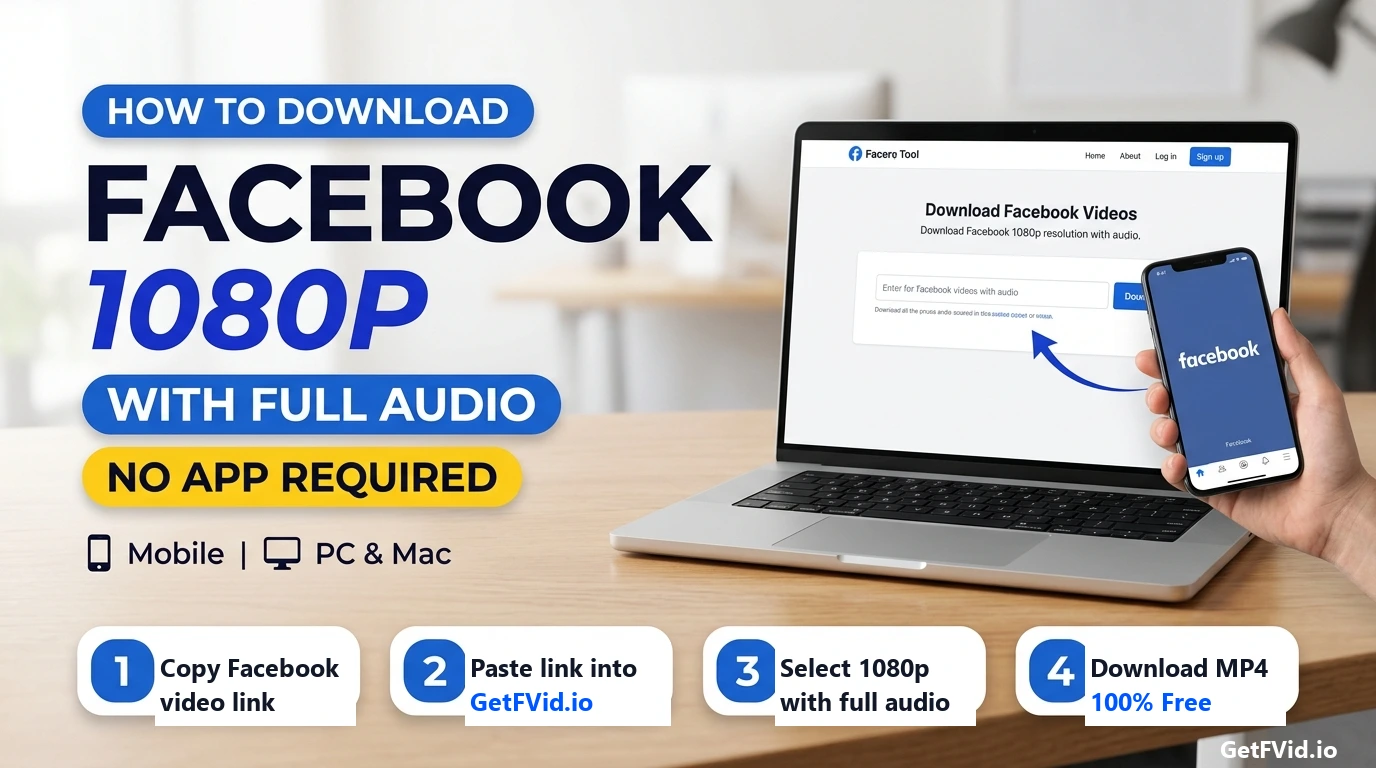
Step-by-Step: How to Download Facebook 1080p Videos with Full Audio
Follow these quick steps on any device (iPhone, Android, Windows PC, or Mac):
Step 1: Copy the Video Link from Facebook
- On Mobile: Open the Facebook app, find the video, tap the Share arrow icon, and select Copy Link.
- On Desktop: Right-click the video timestamp or copy the full link directly from your browser's address bar.
- If you encounter an "Invalid URL" error or need help with Reels, Stories, or private groups, check out our comprehensive guide on how to copy Facebook video links.
Step 2: Paste the URL into GetFVid
- Open your web browser (Safari, Chrome, Firefox, or Edge) and go to GetFVid.
- Paste the copied video link into the text input field.
- Click or tap the blue Download button.
Step 3: Select the 1080p Full HD Option
The system will display all available resolutions for the video:
- Click 1080p (Full HD) or the highest available resolution.
- The cloud server merges audio and video streams in seconds.
- Save the
.mp4file to your device. The resulting video will play with full stereo sound and crystal-clear visual quality.
Downloading Vertical Reels: If you are saving short vertical videos, check out our dedicated Facebook Reels Downloader optimized for mobile 9:16 aspect ratios.
3 Reasons Why Some Facebook Videos Lack a 1080p Option
If you paste a link and only see SD or 720p options, one of these three factors is responsible:
1. The Original Video Upload Quality Was Low
No web downloader can artificially upgrade low-resolution footage. If the creator recorded their video on an older camera or uploaded it over a weak cellular connection in 480p or 720p, Facebook does not possess 1080p data to extract.
2. Facebook Encoding Delay (Processing Lag)
When a creator publishes a new video, Meta's servers process low-resolution versions (360p, 720p) first so they can be served immediately to mobile feeds. High-definition 1080p and 4K encodings take longer to process on Facebook's backend.
- Fix: If the post was published recently, wait 15 to 30 minutes for Meta to complete encoding, then copy the link again.
3. The Video Is Located in a Closed Group or Private Profile
If a video is restricted to "Friends Only" or shared inside a private group, standard public downloaders cannot access the CDN links. For these posts, use our specialized Private Facebook Video Downloader to safely extract the media via page source code.
Frequently Asked Questions
Does GetFVid's audio merging reduce video quality?
No. GetFVid utilizes lossless stream multiplexing. The raw visual and audio streams from Meta's CDN are combined directly bit-by-bit without re-compression, preserving 100% of the original video bitrate and sound fidelity.
Where are downloaded 1080p videos saved on an iPhone?
When downloading via Safari on iOS (version 13+), files are saved by default in the Files app > Downloads folder. Tap the video in the Files app, tap the Share icon, and choose Save Video to move it directly to your Camera Roll / Photos app.
Why do some third-party tools produce out-of-sync audio?
Audio desynchronization happens when a tool fails to align Meta's Presentation Time Stamp (PTS) headers. GetFVid calculates precise timestamp offsets during stream multiplexing, ensuring video frames and audio channels remain synchronized down to the millisecond.
Summary
The missing audio issue on downloaded 1080p Facebook videos is not a bug on your phone or PC — it is a direct consequence of Facebook's DASH Adaptive Streaming protocol.
By using an advanced downloader equipped with automated cloud multiplexing like GetFVid, you can bypass this limitation and save your favorite Facebook videos in 1080p Full HD with complete, crisp audio every single time.